


This time, we will show you what to do if the time does not match with the radio-controlled clock equipped with the caliber 1B25 or 1B35 used by Seiko's Lucia and Dolce & Exceline.
Why are the times and dates incorrect?

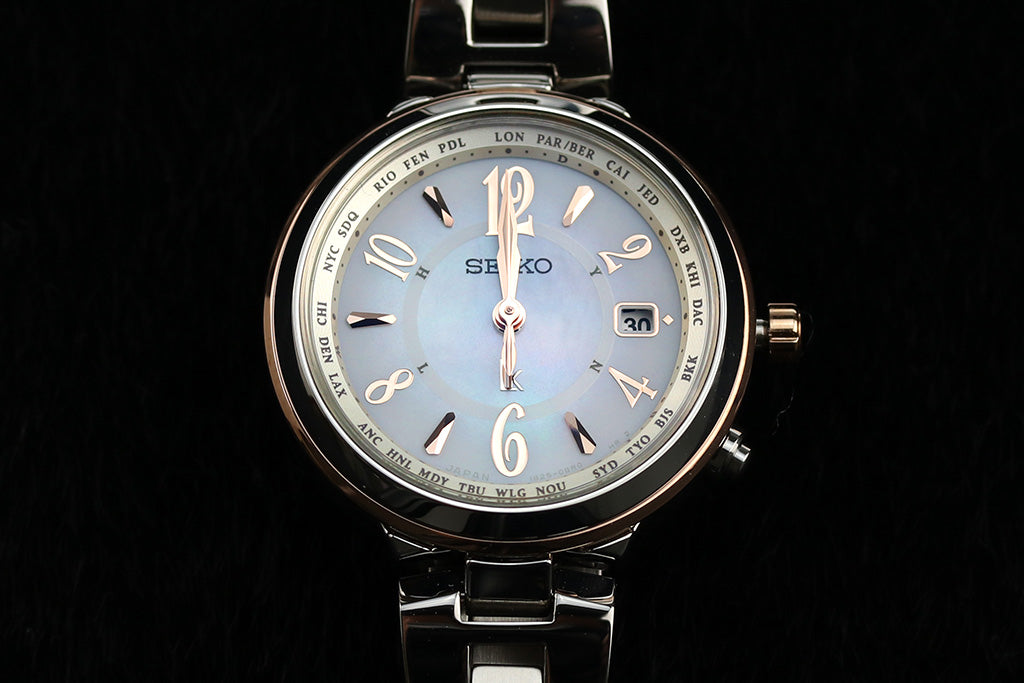
The watch on the left is from Seiko, which we will introduce to you this time.Rukia's Caliber 1B25It will be a model. The clock on the right is my personal Citizen radio-controlled clock.
The caliber number is written on the case back, so please check it once.
You can see that the time is not synchronized with the clock on the right.
Even with radio-controlled clocks that automatically adjust the time and date, the time and date may be incorrect.
Radio-controlled clocks have the advantage of automatically setting the correct time, but the date and time can sometimes be incorrect due to magnetic interference or shock.
If this happens, even if you receive radio waves, the time will not be accurate.
We also often receive requests for repairs because they think their watches are broken.
But don't worry. Although the possibility of failure is not zero, in most cases,Improvements can often be seen with settings.It is.
There are instructions on how to set it up in the manual, but even after looking at it, it's hard to understand what to do.😭
If the time lags, the first thing to do is charge it.
Please charge the battery first.If possible, leave it in sunlight for a little longer, about 2 days.
The reason why you need to charge it is because it consumes a lot of power to configure settings.
Please charge the battery first as it may run out of charge during the setup process.
Perform a system reset
After charging is complete, perform a system reset.
To reset the system, pull the crown out two steps and press and hold the bottom right button for 5 seconds.
When the needle stops moving, please let go. The needle will start moving after a while, so please wait for a while until it stops.
*It may take several minutes to stop.
Check the reference position of the date

When all hands reach 0:00, please set the reference position for the date.
The standard position of the date is「1」It will be. If you press the button on the bottom right once, it will advance by one day.「1」Please adjust according to the date.
Finally, press the crown to return it to its original position.
Set the time difference

After resetting the system, the time difference will be set to London.Japan (Tokyo)You need to set it to .
Please press the bottom right button for 3 seconds and release it when the second hand moves counterclockwise.
When the second hand points to the 0 o'clock position, it will enter time difference setting mode, so press the button on the bottom right to move the second hand.
of the dial23 second positionwill be Japan, so please press the button on the bottom right several times to set it to the 23 second position.
If you leave it alone for about 1 minute, the time difference setting mode will be canceled and the second hand will start moving.
Perform forced radio wave reception
Finally, perform forced reception.
1.Press the lower right button for 8 seconds and release it when the second hand points to the 0 position.
2.After a while, the second hand will display the reception sensitivity level. The reception sensitivity is high at the 50 minute position, and the reception sensitivity is low at the 40 minute position. (See image below)
(If the second hand shows the 40 minute position, please change the location and try again.)

3. It may take up to 12 minutes to complete radio wave reception. Once the needle starts moving, please wait until it stops.
4. Once the hands have stopped and moved in 1 second increments, press the button on the bottom right for 2 seconds to check if reception was successful.
(Success when the second hand points to Y; failure when the second hand points to N)
5. Tips for receiving radio waves
- Reception is easier outdoors than indoors.
- Reception is easier at night than during the day.
If you are unable to receive radio waves, please try the above reference.

Radio wave reception was successful! !
The operation method for personal radio clocks is different, but the following four steps are the same.
1. System reset or needle reference position adjustment
2.Date reference position alignment
3. Setting the time difference
4. Forced reception
The end.